Batches / 03
Spooly
Your own swipeable feed for the videos and photos you already have. Self-hosted, no cloud account.


- Kind
- Self-hosted media server
- Runs on
- Python 3.10+ · Docker (amd64, arm64)
- License
- MIT, open source
- Status
- Served
pip install spooly
spooly ~/Videos
(01) What it does
Small, and on purpose.
- 01
Flow
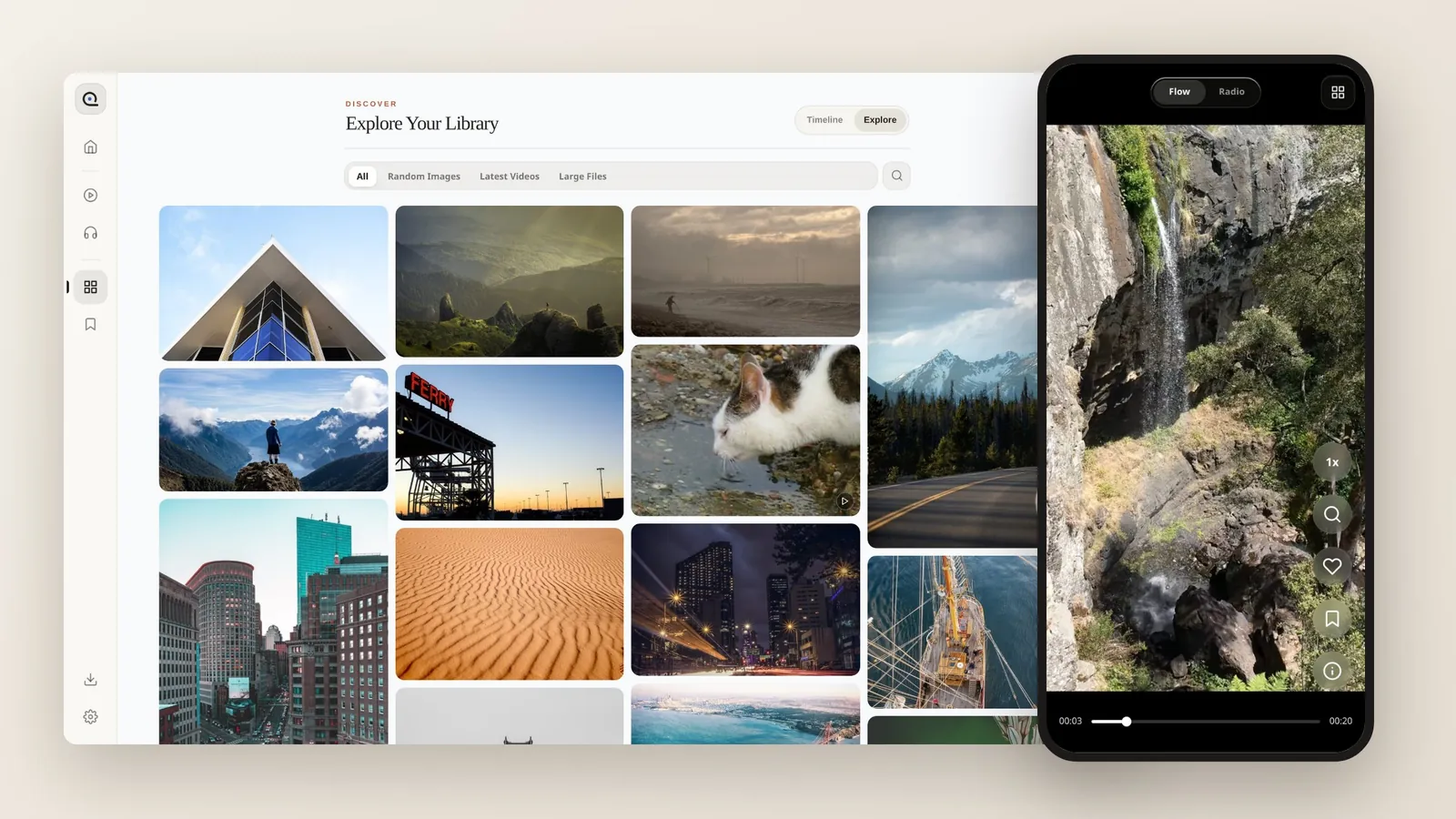
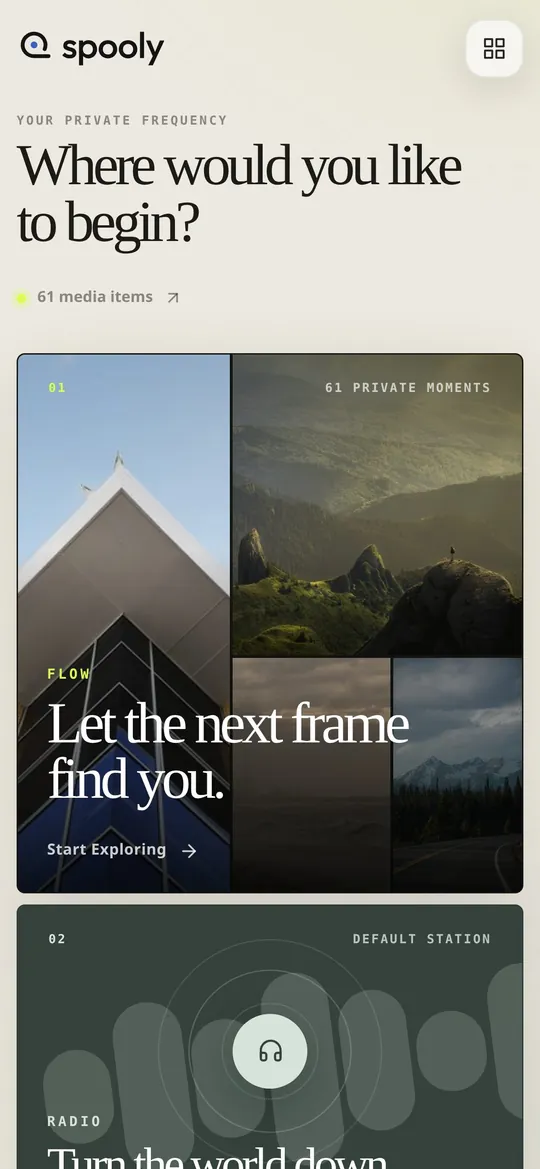
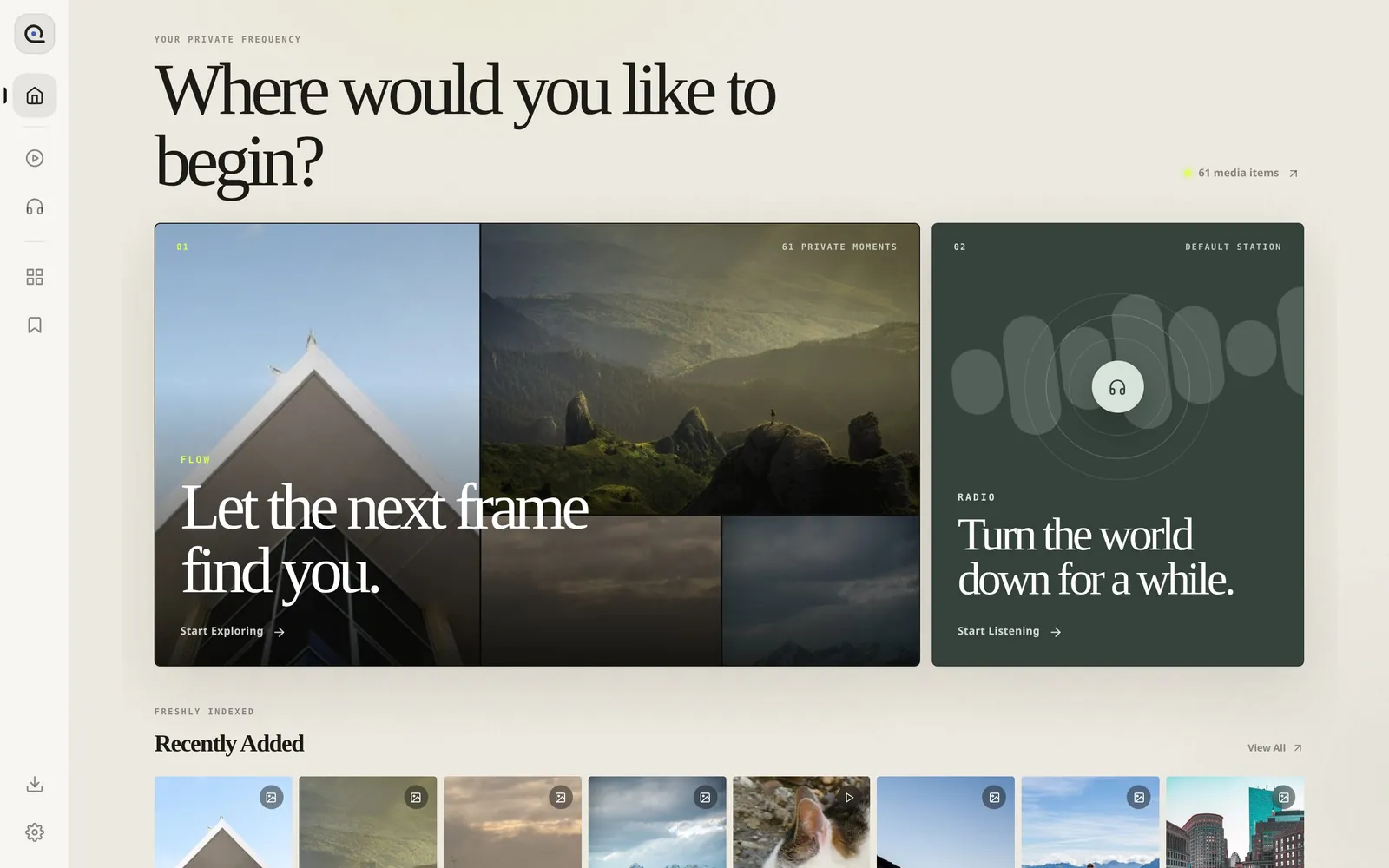
A full-screen vertical feed of videos and images. Double-tap to favorite, hold for 2×, drag sideways to seek.
- 02
Library
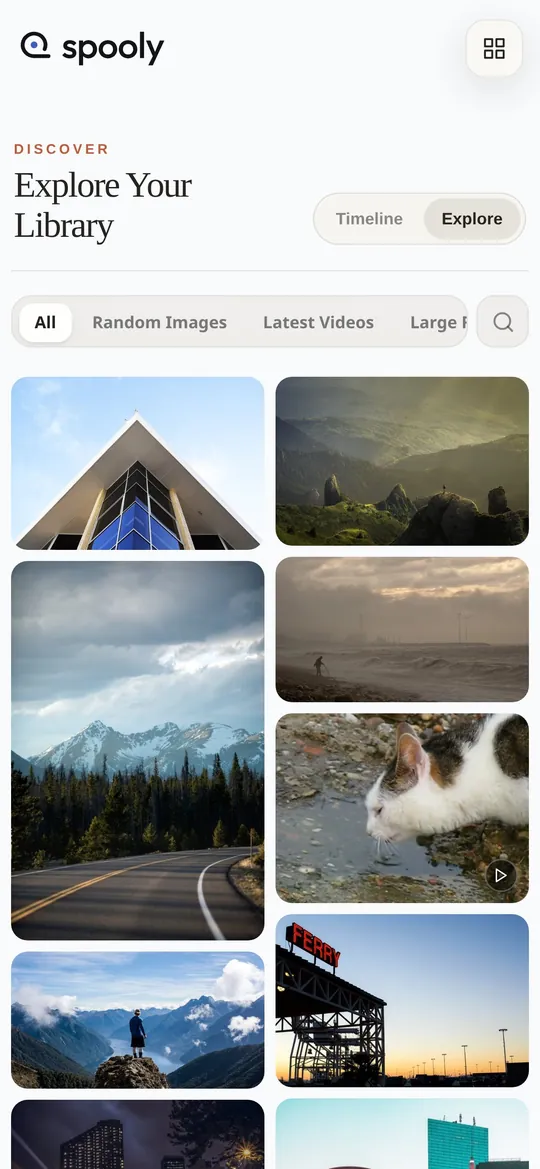
A year/month timeline for multi-year archives, plus an Explore grid of random images, latest videos and large files.
- 03
Radio
An ambient audio player for the music sitting in the same folders.
- 04
Stays with you
Browsing and playback stay on your server and work without internet. Optional AI features use the provider you configure.
Semantic search
Find related videos and search by description with EmbeddingGemma
Turn on semantic search, then describe what you're looking for, or open any clip to find related videos in your own library. Runs with a self-hosted EmbeddingGemma, or a cloud embedding API if you prefer.
(02) Questions
Asked, answered.
Is Spooly free?
Yes. Spooly is free and open source under the MIT license.
Does my media leave my machine?
No. Browsing and playback stay on your own server, and local browsing works without internet access. Only optional AI features, which are off unless you configure them, send selected images to the provider you choose.
How do I install it?
With Python 3.10 or later, run pip install spooly, then spooly ~/Videos. A Docker image for amd64 and arm64 is also available at ghcr.io/oddloafhq/spooly.
Which file formats work?
Spooly mixes videos and images in one feed, and plays whatever your browser can play. Files the browser can't play, such as some HEVC or AV1 videos, are skipped with a short note instead of stopping the feed.
Can I use it on my phone over LAN?
Yes. Open http://<your-computer>:8000 on any phone, tablet or browser on the same network. The first start prints an access password in the terminal.