Batches / 04
QRHop
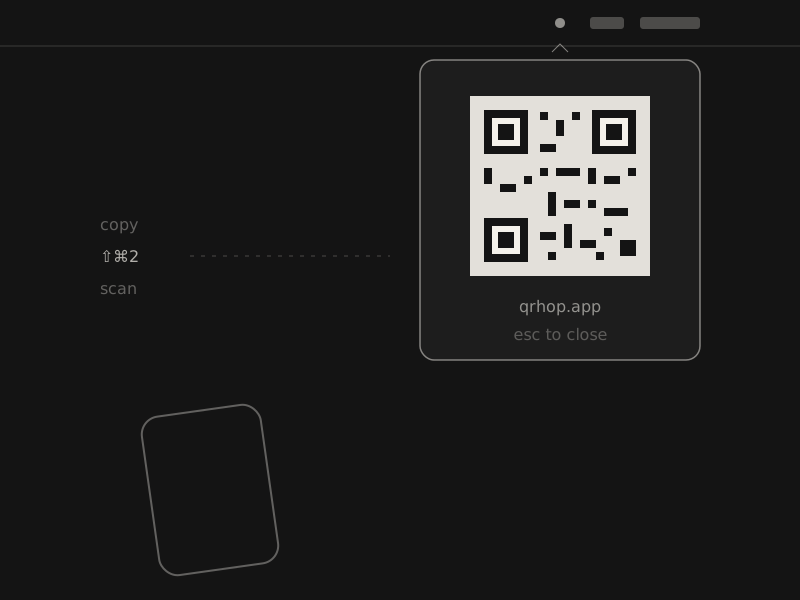
Copy on your Mac, press a shortcut, scan with your phone. That’s the whole trick.
- Platform
- macOS menu bar
- Requires
- macOS 13 or later
- Default shortcut
- ⇧⌘2
- Status
- Coming soon to the Mac App Store
(01) What it does
Small, and on purpose.
- 01
One shortcut
Use the default ⇧⌘2 or record your own, with built-in checks for unsafe and conflicting combinations.
- 02
Crisp to scan
Every code is rendered sharply with a standard quiet zone. Copy the image or save it as a PNG.
- 03
Only there when needed
No Dock icon, no main window. Close the panel with Esc, the shortcut, or a click outside.
- 04
Stays on your Mac
Clipboard content is turned into a QR code locally, in memory. No uploads, accounts, analytics or tracking.
(02) Questions
Asked, answered.
Does it work with Android?
Yes. Any phone camera can scan the code, Android or iPhone, with no companion app, pairing or shared network.
Is anything uploaded?
No. QRHop processes your clipboard locally and makes the QR code in memory. There are no uploads, accounts, analytics or tracking.
What can I share?
Any text on your clipboard: a link, an address, a short note, a command.
When will it be on the Mac App Store?
QRHop is being prepared for its first Mac App Store release. There is no date yet.