Batches / 01
NativeDiagram
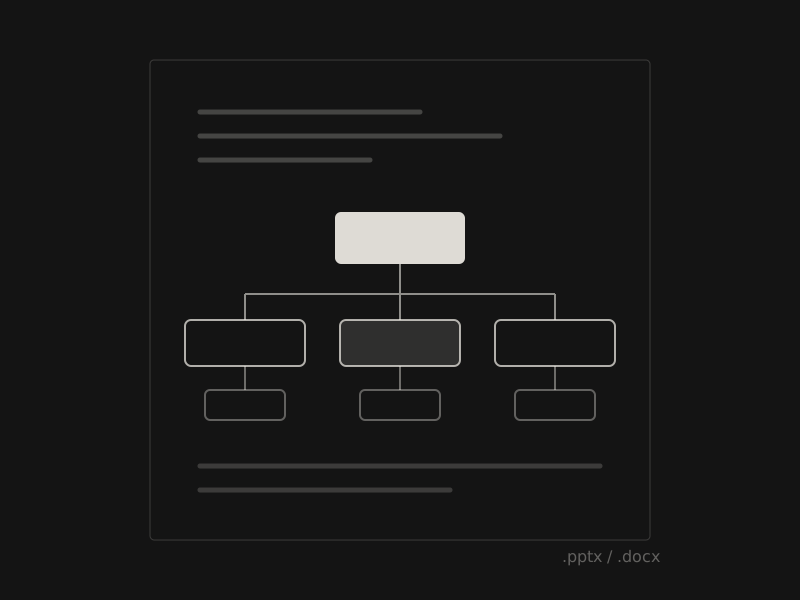
Real Office SmartArt from your AI assistant, still editable in Word and PowerPoint.
- Kind
- MCP connector · web service
- Output
- .docx · .pptx with native SmartArt
- Works with
- Claude, ChatGPT, Codex, Cursor, VS Code, Gemini, Grok, any MCP client
- Status
- Served
(01) What it does
Small, and on purpose.
- 01
Native, not pictures
Diagrams arrive as real Microsoft Office SmartArt, not screenshots or grouped shapes.
- 02
Ask in plain words
“Turn this rollout plan into a process diagram.” Your assistant writes, NativeDiagram builds.
- 03
One URL, one sign-in
Add it from the Claude directory, or add one URL to ChatGPT, Codex, Cursor or any MCP client, and sign in once.
- 04
Keep editing
Download the .docx or .pptx and change text, layout and colors in Office, like any SmartArt.
(02) Questions
Asked, answered.
Is the output really editable SmartArt?
Yes. You get a .docx and a one-slide .pptx with native Microsoft Office SmartArt, not screenshots or grouped shapes, so you keep editing text, layout and colors.
Which Office versions?
Microsoft Word and PowerPoint on Windows, Mac and the web. Google Docs, Pages and LibreOffice can open the file, but may show the diagram as plain shapes or an image instead of editable SmartArt.
How does the MCP server work?
Add NativeDiagram from the Claude directory, or add one URL to ChatGPT, Codex, Cursor or any MCP client, and sign in once. Then ask in plain words, for example “Turn this rollout plan into a process diagram,” and download the result.
Pricing?
There is a free plan with 30 credits a month. Starter is $19 a month for 500 credits and Pro is $49 a month for 2,000. One successful diagram costs one credit, and failed renders are free. Prices exclude applicable taxes.