Batches / 02
Liveleaf
Read the HTML files AI makes, right on your iPhone and iPad. Offline, interactive, private.
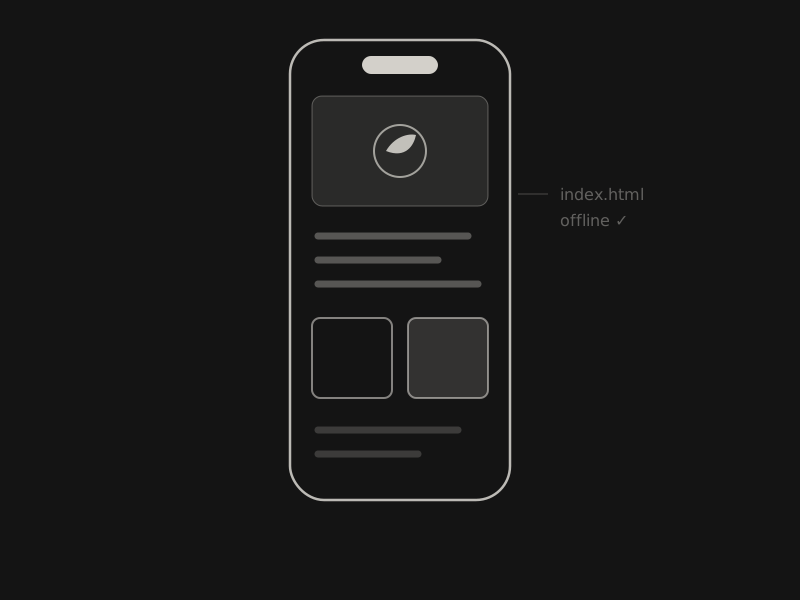
- Platform
- iPhone · iPad
- Requires
- iOS 18 or later
- Opens
- Single-file .html and .htm
- Status
- In review — soon
(01) What it does
Small, and on purpose.
- 01
Opens what AI builds
Reports, dashboards, charts, calculators. Scripts and interactions work, so sliders slide and charts redraw.
- 02
Private by default
Every file runs in its own sandbox with the network off. If a page wants the internet, Liveleaf asks first.
- 03
Quietly organized
Recent files stay on the device. Find text on a page, export it as a PDF, or share the original file.
- 04
Share it in
Tap Share and choose Liveleaf, or open a file from the Files app. No accounts, analytics or ads.
(02) Questions
Asked, answered.
Does it work offline?
Yes. Pages run offline by default. If a page wants to load something from the internet, Liveleaf asks first, and you can allow it for that page.
Can it run JavaScript?
Yes. Liveleaf opens single-file HTML documents with their CSS and JavaScript, so sliders slide and charts redraw.
How do I import files?
Tap Share and choose Liveleaf, or open the file from the Files app.
Is my data stored locally?
Yes. Your files and recents stay on your device, and every file runs in its own sandbox with the network turned off. There are no accounts, analytics or ads.